Shift At Midnight Troubleshooting

One problem in Shift At Midnight has an official fix, and it is the most common one — if you cannot join a friend's lobby, the developer has published a beta branch that resolves it. Most of the rest do not have a fix yet. This page separates the two, so you know when to keep trying and when to stop and report it.

Symptoms, and whether a fix exists

You cannot join a friend's lobby

Official fix — opt into a beta branch

The developer published instructions on 22 July 2026 for a branch called network-issues-patch, reached with the access code networkissues. It is the only fix for any problem on this page that comes from the developer rather than from a player.

Strengths

  • Published by the developer, with exact steps
  • Reversible — you can switch back to the default branch at any time

Weaknesses

  • Everyone in the group has to opt in, or you still cannot see each other
  • Described as temporary, pending a proper fix in the main build

Sources: Developer announcement, 22 July 2026

Find Lobby hangs on the loading screen

Same branch appears to address it

On the default build, pressing Find Lobby can leave the game stuck on the loading screen — the bus loading screen comes up and stays there, with no way out but force-quitting the game. A player who moved to the network-issues-patch branch reported that searching then works, though it often returns nothing.

Weaknesses

  • Reported as recently as 7 August 2026, so the default build still does this

Sources: Steam General Discussions, 7 August 2026

The lobby browser finds almost nothing

Not a bug — who is online, and where

Searching can return zero lobbies, or a single one in another region. Two players in the United States reported in August that the lobbies they did find were in Asia, and one was kicked for not speaking the host's language. Nothing here is broken; there is simply nobody nearby to match with.

Strengths

  • Inviting friends directly sidesteps the browser entirely

Weaknesses

  • No region filter has been announced

Sources: Steam General Discussions, 7-8 August 2026

A Steam player cannot join an Xbox or Game Pass player

By design, and not going to change

This is not a fault. The developer stated before launch that Xbox and PC Game Pass players share crossplay with each other, and that Steam players can only play with other Steam players. If your group is split across the two storefronts, no setting will join you.

Weaknesses

  • The two storefronts sell copies that cannot see each other

Sources: Developer announcement, 10 July 2026

Black screen on launch, and the monitor loses signal

No published fix

The most serious report on the forum. The screen goes to No Signal while the PC keeps running, forcing a hard reset. Four players reported the same behaviour between 4 and 9 August 2026, on both English and Chinese threads, and no fix has been posted.

Weaknesses

  • The reporter had already tried capping FPS, V-Sync, windowed mode, disabling overlays, unplugging a second monitor and clearing the shader cache
  • No developer reply on the thread as of 10 August 2026

Sources: Steam Bugs forum, 4 August 2026

Cursor and buttons stop responding after a crash

Acknowledged by the developer

The developer named this one in the 23 July patch notes, saying the next minor update would aim to address people who crash and are then unable to interact with the cursor or any buttons. Players were still reporting input lock in August, so treat it as known rather than solved.

Strengths

  • The only issue here the developer has said he is working on

Sources: Developer announcement, 23 July 2026

Esc during an ID scan locks the menu open

No published fix

Pressing Esc while a customer's ID is on screen can leave the menu stuck open, so you are stuck in the menu with no way to close it. You can still walk, but you cannot look around, close the menu or interact with anything. The player who reported it had to close the game both times it happened.

Weaknesses

  • Restarting the game is the only way out that has been described

Sources: Steam Bugs forum, 7 August 2026

Your microphone stops being heard partway through

No published fix

Proximity chat is central to how this game plays, so this one hurts. The most common report is the mic not working partway through a shift — voice chat cuts out and teammates keep hearing each other while the reporter goes silent mid-session, with the audio settings unchanged and correct.

Weaknesses

  • No replies and no fix on the thread as of 10 August 2026

Sources: Steam General Discussions, 7 August 2026

No sound at all

No published fix

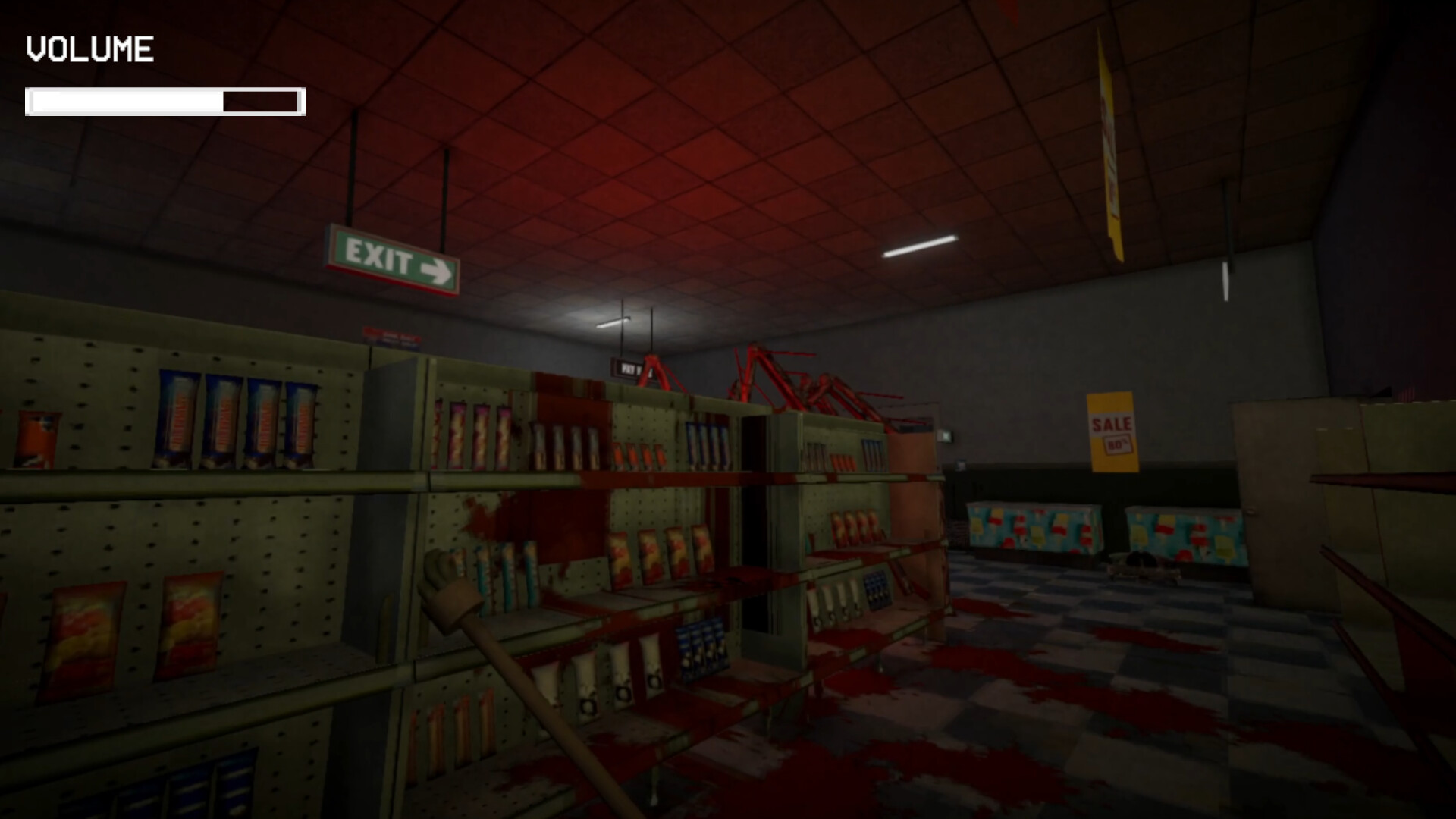
One player reported zero audio with the correct output device selected in Windows and confirmed in Control Panel, after reinstalling the game. This is different from voice chat cutting out — this is no sound at all, music and effects included. If this is you, the in-game volume overlay is worth a glance first, since it shows the level on screen when you change it.

Weaknesses

  • Reinstalling did not help the one person who reported it

Sources: Steam Bugs forum, August 2026

Join Lobby breaks the interface on Steam Deck

No published fix

Selecting Join Lobby on a Steam Deck can clear the menus and leave nothing to click, with no way to back out. Closing the whole game is the only route back. Steam Deck is not a supported configuration the developer has commented on.

Weaknesses

  • You lose the session and have to restart the game

Sources: Steam Bugs forum, 7 August 2026

Almost everything below was reported by players in the first three weeks after release, and most of it has no fix yet. That is worth saying at the top, because the usual advice — verify the files, reinstall, update the driver — has already been tried by the people who reported these, and it did not work. Knowing that saves you an evening.

One thing does have a fix, it comes from the developer, and it covers the problem more people hit than any other.

The one fix the developer has published

If you cannot join a friend, opt into the beta branch:

  1. Right-click Shift At Midnight in your Steam library and choose Properties
  2. Open Game Versions & Betas
  3. Enter the access code networkissues
  4. Opt into the network-issues-patch branch and let it update

Two conditions decide whether this works. Everyone you play with must also follow these instructions — the developer’s own emphasis, and the reason it appears to fail for people who do it alone. And it is explicitly a stopgap: the announcement of 22 July 2026 ends by saying a proper fix for the main build is being worked towards.

A day later, the 23 July patch shipped a narrower one — fix for players unable to create joinable lobbies in Russia — alongside raising the lobby cap to six. The branch instructions have not been withdrawn, and a player was still describing themselves as running “the network fix version” on 7 August, so treat the branch as current.

Why the browser finds nothing, which is not the same problem

Getting onto the patched branch lets you search. It does not conjure anyone to play with, and those are separate complaints that get reported as one.

A player searching from the United States on 7 August described finding zero lobbies almost every time, and a single Japanese one on the occasions it worked. Another replied that the lobbies they reached were in Asia, and that they were kicked from one for not speaking the host’s language. Nothing there is a fault in the game — it is a small game’s player base spread across time zones, with no region filter announced.

The developer said before launch that a Steam-only public server browser was planned for launch or shortly after. Until it improves, inviting people directly is the route that does not depend on who happens to be online.

Steam and Xbox cannot see each other

This one gets reported as a bug constantly and it is not one. Before release the developer wrote that Xbox and PC Game Pass players would have crossplay, and that Steam players would only be able to play with other Steam players.

So a group split between a Steam copy and a Game Pass copy has no way to join up, no matter which branch anyone opts into. If your friends have not bought it yet, where each version is sold is the thing to settle first — this is a decision that cannot be undone with a setting later.

The black screens, and what has already been ruled out

Two distinct failures get called the same thing.

The more alarming one takes the monitor out entirely. The screen drops to No Signal while the case fans and lights keep running, and only a hard reset brings it back. The player who wrote it up on 4 August had done the work before posting: Event Viewer showed a Kernel-Power 41 entry from the forced restart but no driver crash, and capping the frame rate at 60, enabling V-Sync, switching between windowed and fullscreen, disabling the Discord and Steam overlays, unplugging a second monitor and clearing the shader cache all changed nothing. Every other demanding game on the machine ran fine. Three more players replied to say they had exactly the same thing, and two separate Chinese-language threads describe being unable to get in for three days running. No developer has answered any of them.

The second is quieter. The logos play and the game stops, often right at the Kwalee Gaming logo screen, while Windows stays responsive. Verifying the files and reinstalling did not help. If your PC survives the attempt, this is the one you have.

Neither has a fix. What the reports are good for is telling you which steps not to bother repeating.

What the developer has said he is working on

The 23 July notes close with a line worth keeping: the next minor update would aim to address people who crash, and are then unable to interact with the cursor or any buttons in the game. That names a real and widely reported failure.

The 29 July update that followed listed “various bug fixes and crash fixes” without naming that one, and players were still reporting frozen menus and dead inputs on 7 and 8 August. So it is acknowledged, and not yet resolved.

Where to report yours

The developer is one person, and says so. The 29 July notes ask people to bring bugs to the official Discord with the line “I’m only 1 guy, I can’t find everything myself”.

The Steam Bugs sub-forum works too, and its pinned post sets out what to include: which platform you are on, whether the issue is a crash or a bug, and any images or video. A report with those three things is the one that gets acted on.

One last thing worth separating from the faults above. If the tool that reads a customer’s mood has not turned up for you, that is not a bug to report — what the emotion detector is and when it appears is a question the game itself never answers clearly. And if you are reading this before buying, the free multiplayer demo is the cheapest way to find out whether your machine runs it at all.

Frequently asked questions

How do you fix not being able to join a lobby in Shift At Midnight?

Opt into the developer's beta branch. Right-click Shift At Midnight in your Steam library, choose Properties, open Game Versions and Betas, enter the access code networkissues, then select the network-issues-patch branch and let it update. Everyone you intend to play with has to do the same, or you still will not see each other. The developer published these steps on 22 July 2026 and described the branch as a stopgap while a proper fix is made for the main build.

Why does Shift At Midnight get stuck on a black screen?

Two different failures share that description and neither has a published fix. In the first, the monitor loses signal entirely while the PC keeps running, and only a hard reset recovers it. In the second, the developer logos play and the game then hangs while Windows stays responsive. Both were reported in the first half of August 2026, the first by four separate players. Verifying files, reinstalling, capping the frame rate and disabling overlays have all been tried by the people reporting them, without success.

Can Steam and Xbox players play Shift At Midnight together?

No. The developer said before launch that Xbox and PC Game Pass players have crossplay with each other, and that Steam players can only play with other Steam players. If your group bought on different storefronts there is no setting that will join you, so decide where to buy before anyone pays.

Why are there no lobbies to join in Shift At Midnight?

Because of who is online rather than anything broken. Players searching from the United States in early August 2026 reported finding either nothing at all or a single lobby in Asia. No region filter has been announced. Inviting friends directly avoids the browser, which is the reliable route while the population is thin at your hours.

Is there an official fix for the Shift At Midnight crash bugs?

Only for lobbies. The network-issues-patch branch is the one developer-published fix, and it addresses joining rather than crashing. The developer did say in the 23 July patch notes that a coming update would target the crash that leaves the cursor and buttons unresponsive, but players were still reporting that in August, so it is acknowledged rather than resolved.

Where do you report a bug in Shift At Midnight?

Two places, and the developer asks for both. The Steam Bugs sub-forum has a pinned post asking you to include the platform you are on, whether it is a crash or a bug, and any images or video. The 29 July patch notes point at the official Discord instead, with the developer noting he is one person and cannot find everything himself.

Will switching to the beta branch delete your save?

Nothing in the developer's post mentions save data either way, and no player has reported losing progress to it. Opting in downloads a different build of the same game and you can switch back from the same menu, but since it has not been stated anywhere, back up your save first if that matters to you.

Why is my mic not working in Shift At Midnight?

Proximity chat is where this shows up most — teammates keep hearing each other while one person's mic goes silent partway through a shift, with the audio settings unchanged and correct. It is a different report from having no sound at all, which is about game audio rather than voice chat. Reinstalling has not helped the player who described it, and there is no published fix yet, so treat it as known but unresolved rather than something you did wrong.

Why is Shift At Midnight stuck on the loading screen?

This is the Find Lobby screen, not the crash-to-black-screen problem above. On the default build, pressing Find Lobby can bring up the bus loading screen and leave the game stuck there, with no way out but force-quitting. A player who moved to the network-issues-patch branch — the same beta branch covered above — reported that searching then works, though it often still returns nothing, which makes opting into the branch the closest thing to a fix here.